You highlight passages to revisit and attach interpretations or questions to the article itself, then review every memo in one place.
Beoppering Membership
It costs nothing to find, read, and save laws. Membership adds tools for annotating and organizing what you read.
Who it is for
For readers who annotate and organize laws.

What changes
What membership unlocks
Search, full-text reading, automatic updates after amendments, the table of contents, article jumps, cross-references, tables and figures, copying, favorites, Explore, and earlier versions are all free.
- Highlights
- Mark the passages you plan to return to inside a long article.
- Article memos
- Attach a note to any article and review them all together.
- Law shelf
- Create folders so a growing collection stays easy to navigate.
- Multiple laws in tabs
- Keep several laws open in tabs and switch between them.
- Recently viewed
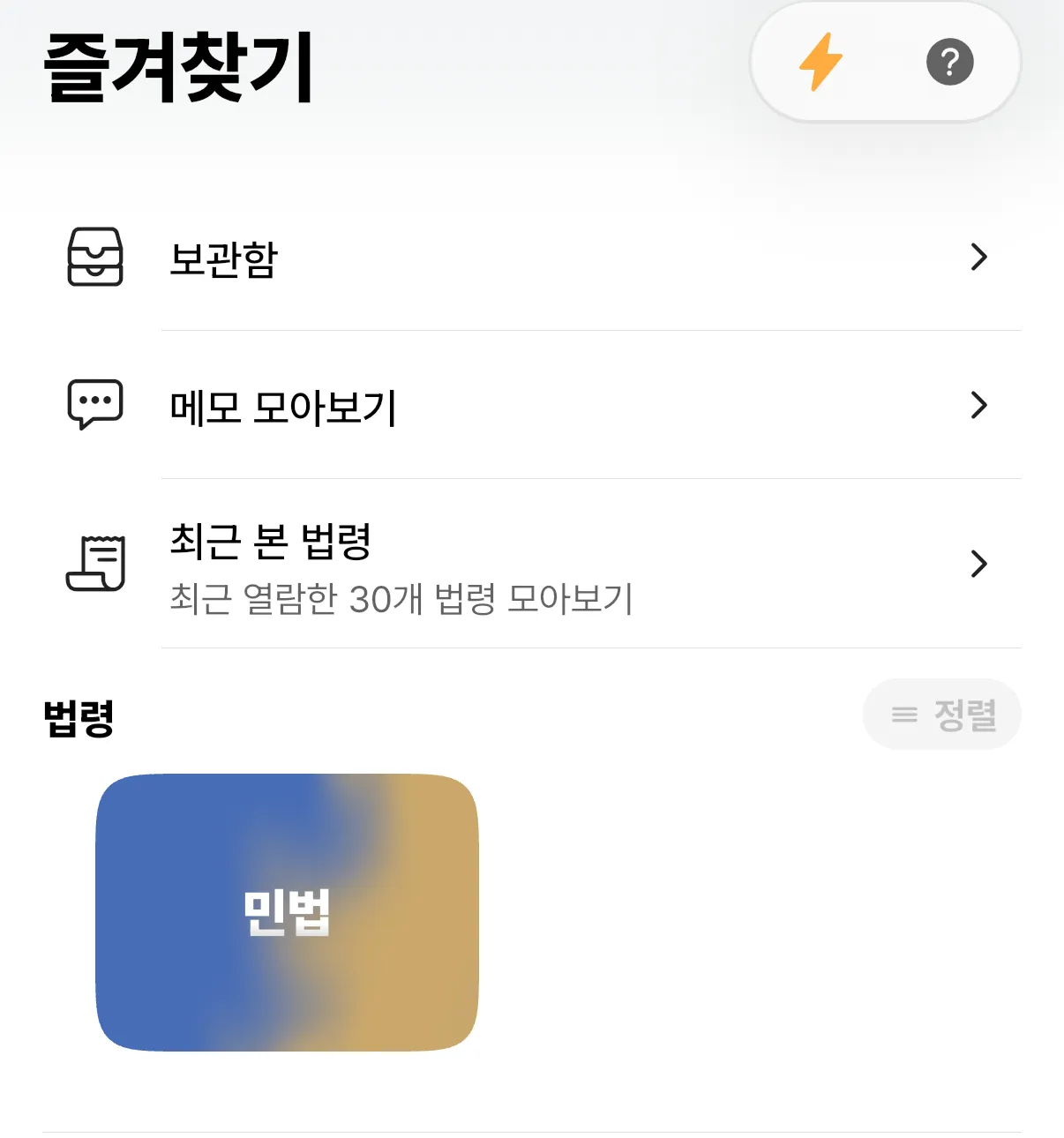
- Return to any of the last 30 laws you opened, saved or not.
- Reading fonts
- Choose from 15 typefaces including KoPub, Nanum, and MaruBuri.
- Lock light or dark mode
- Keep the app light or dark even when the system setting changes.
Billing and price
Choose monthly or annual billing. Prices are set by each store for your region and currency, so check the actual amount on the membership screen in the app before subscribing. You subscribe from inside the app.
Subscriptions renew automatically until cancelled. If you do not cancel at least 24 hours before the renewal date, the next period is charged.
More information
Start with the free app.
Try search and reading first. If you need more, subscribe later from the membership screen in the app.